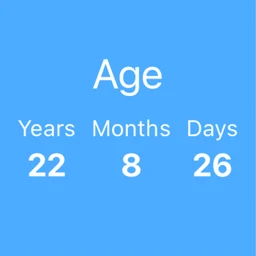
 Utilities
Age App
Keep the dates that matter and see the count both ways — days since something happened, days until something will. On iPhone, iPad and natively on the Mac.
What it does
-
01
Both directions
Every entry counts up from a past date and down to a future one, in days, months and years.
-
02
Native on the Mac
A real Mac application, not an iPad app in a window.
-
03
Your own iCloud
Entries sync through your own private iCloud database so they are on every device you sign in to.
-
04
No account
Nothing to create and nothing to sign in to. The only identity involved is the Apple Account you already have.
Specification
| Platforms | iPhone, iPad, Mac |
|---|---|
| Category | Utilities |
| Interface languages | 1 |
| Accounts | None. Nothing to create, nothing to sign in to. |
| Advertising and analytics | None. |
| Sync | Through your own private iCloud database, automatically. The controls are the system ones, in Settings. |
| Notifications | None are requested or shown. |
| Seller of record | Apple, for App Store purchases |
| Licence | Apple's Licensed Application End User License Agreement (opens in a new tab) |
| Privacy policy | Read |
Syncing is automatic and there is no in-app setting to disable it. The controls are the system ones, under your Apple Account and iCloud in Settings.


Need help, or have an idea?
Questions, bug reports and feature requests are read and answered directly. Please include your device and system version — it makes a fix much quicker. One message is often all it takes: the detail you add today is what makes the next release better for everyone using the same app.